Your staff get lost
A simple job like moving an appointment means menus, filters, tabs and fields. People need training just to do the basics, and mistakes slip through.
We build a simple portal on top of your GoHighLevel. Your staff see only the buttons they need. Your business gets custom logic that workflows can’t handle. Your data stays where it is.
GoHighLevel can run your whole business. But your front desk, your nurses and your coordinators aren’t CRM experts, and they don’t need to be.
A simple job like moving an appointment means menus, filters, tabs and fields. People need training just to do the basics, and mistakes slip through.
Real businesses have edge cases. Workflows can’t cover all of them, so you hire an expert or live with workarounds.
That’s the question every portal we build starts from.
GoHighLevel stays the engine. We give it a new face, built for the people who use it every day, and add the features it doesn’t have.
Your contacts, calendars, payments and workflows stay in GoHighLevel. Nothing to migrate, and nothing you’ve built is thrown away.
Each person gets a clean screen with only what their job needs. Moving an appointment takes a few clicks, not a training session.
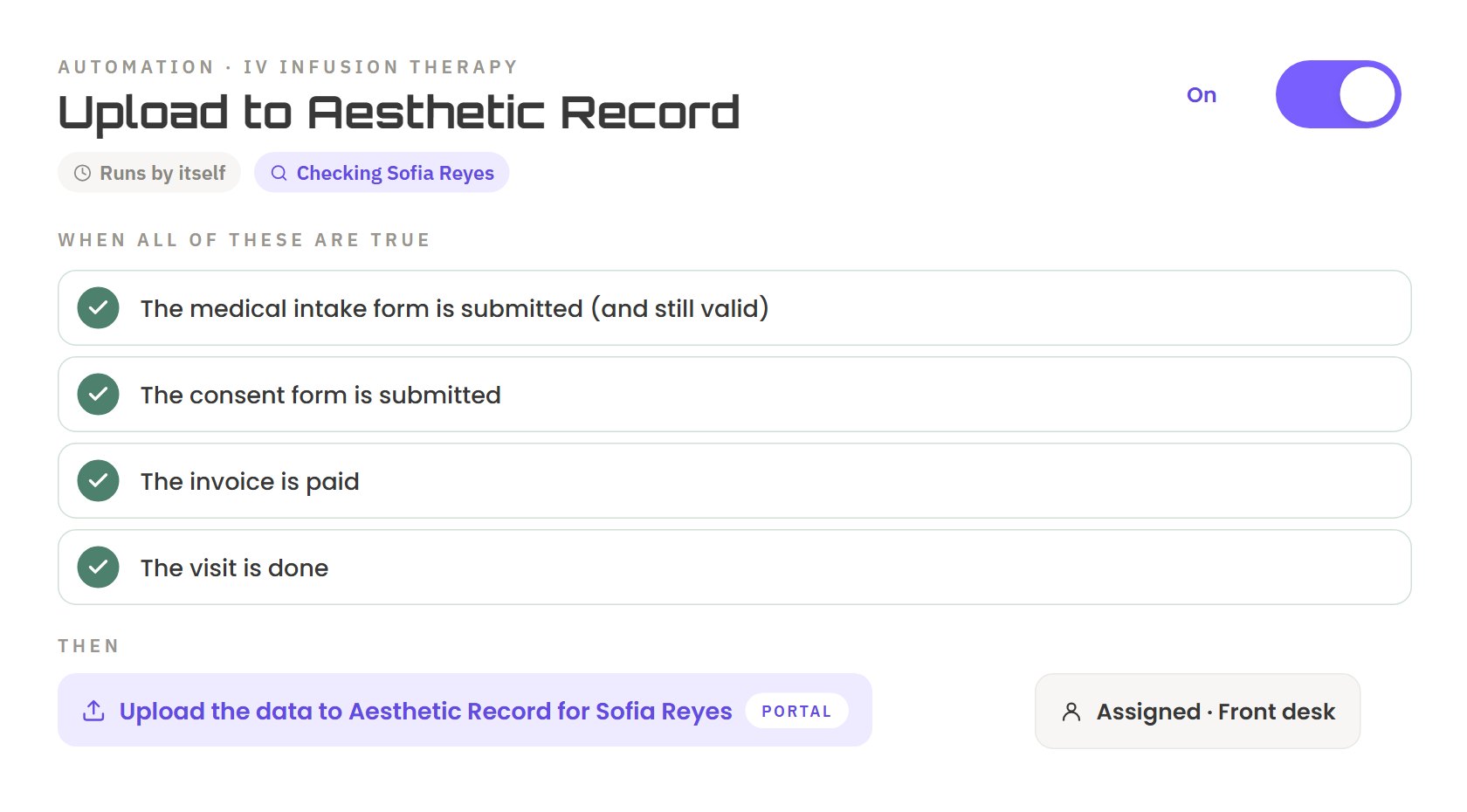
Custom logic runs in the portal for the cases workflows can’t handle, and every change syncs back to GoHighLevel.
Front desk, nurses, managers and coordinators each get their own view, with their own buttons.
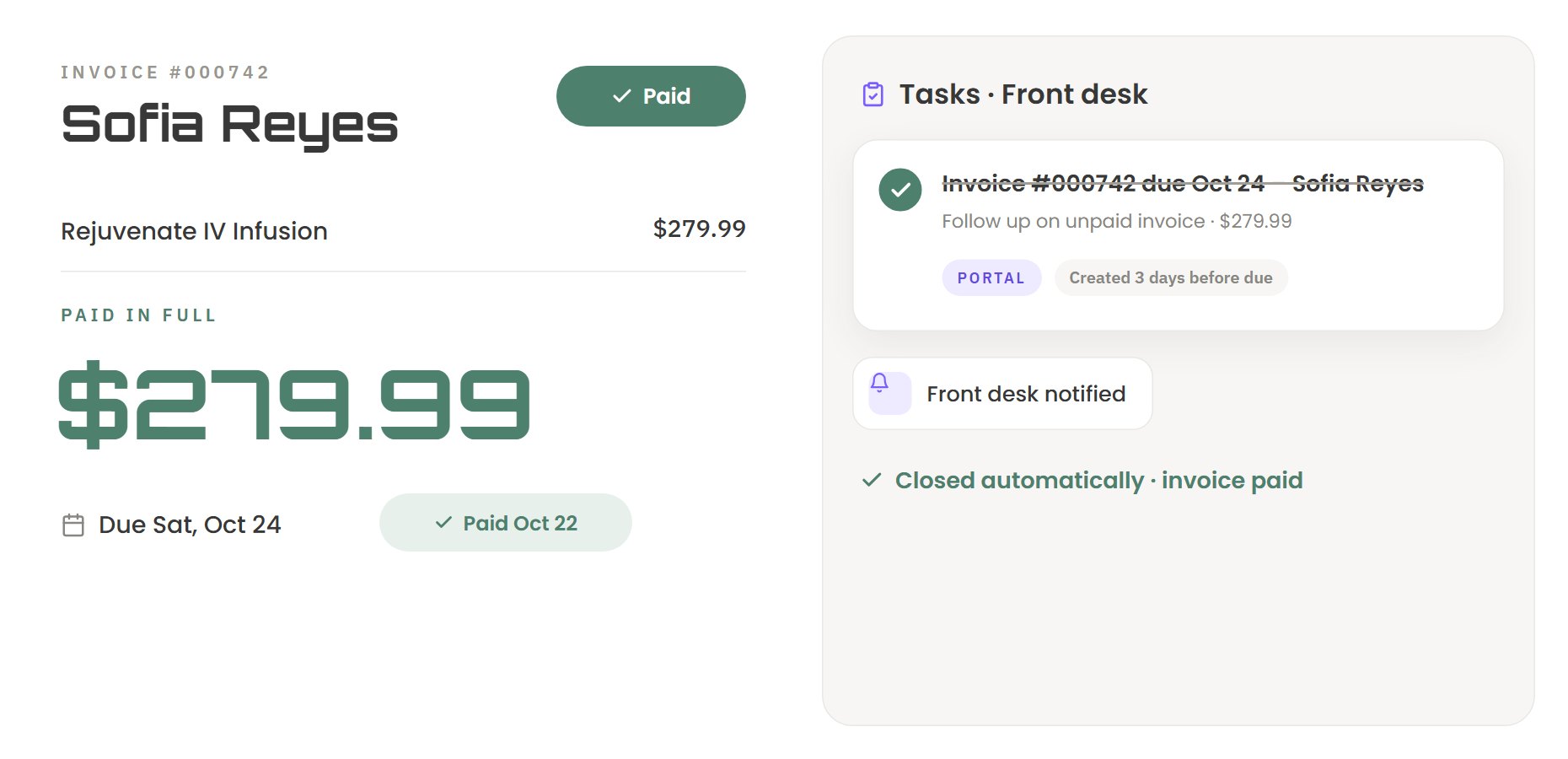
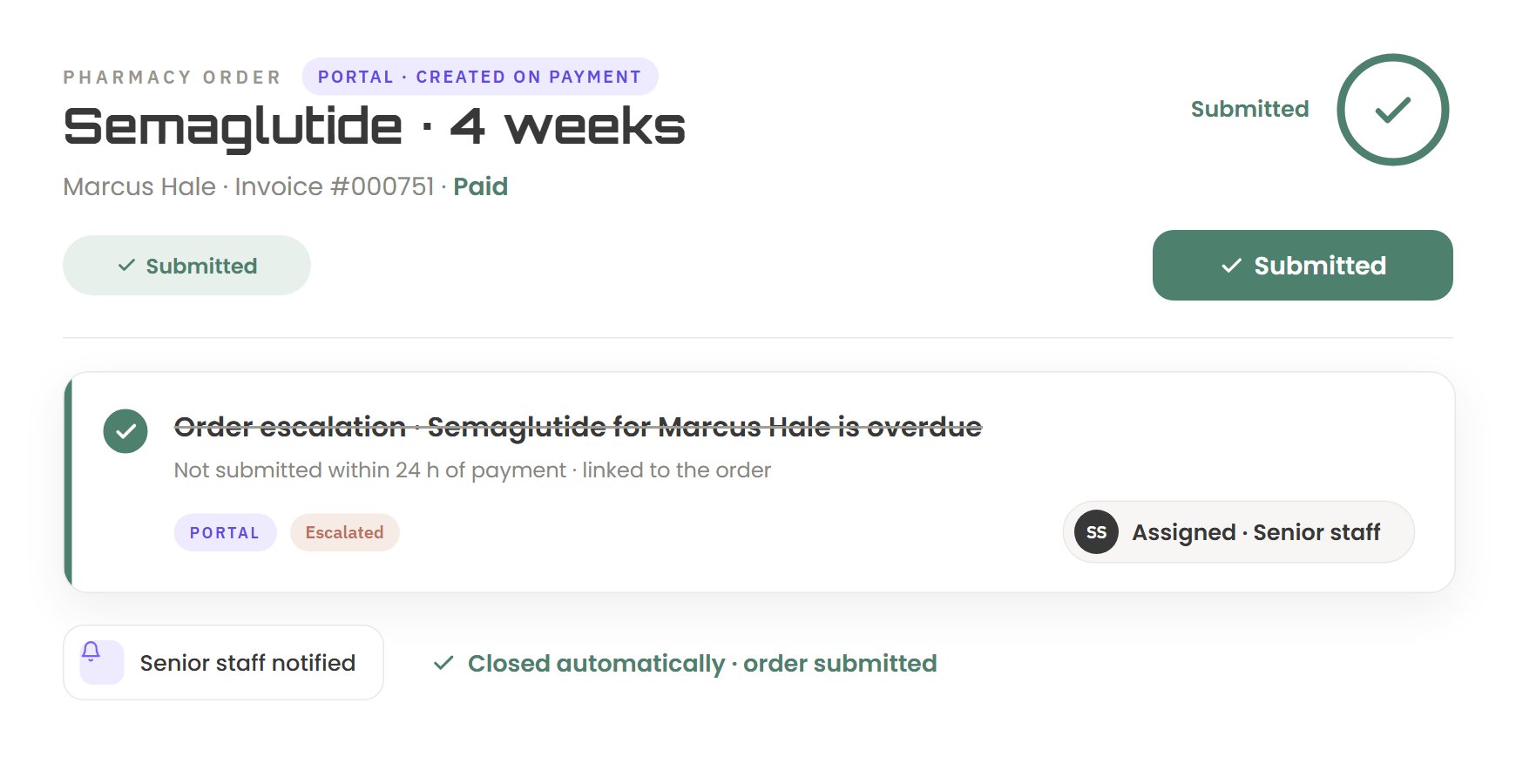
The portal creates follow-ups when something needs doing, and closes them when the work is done.
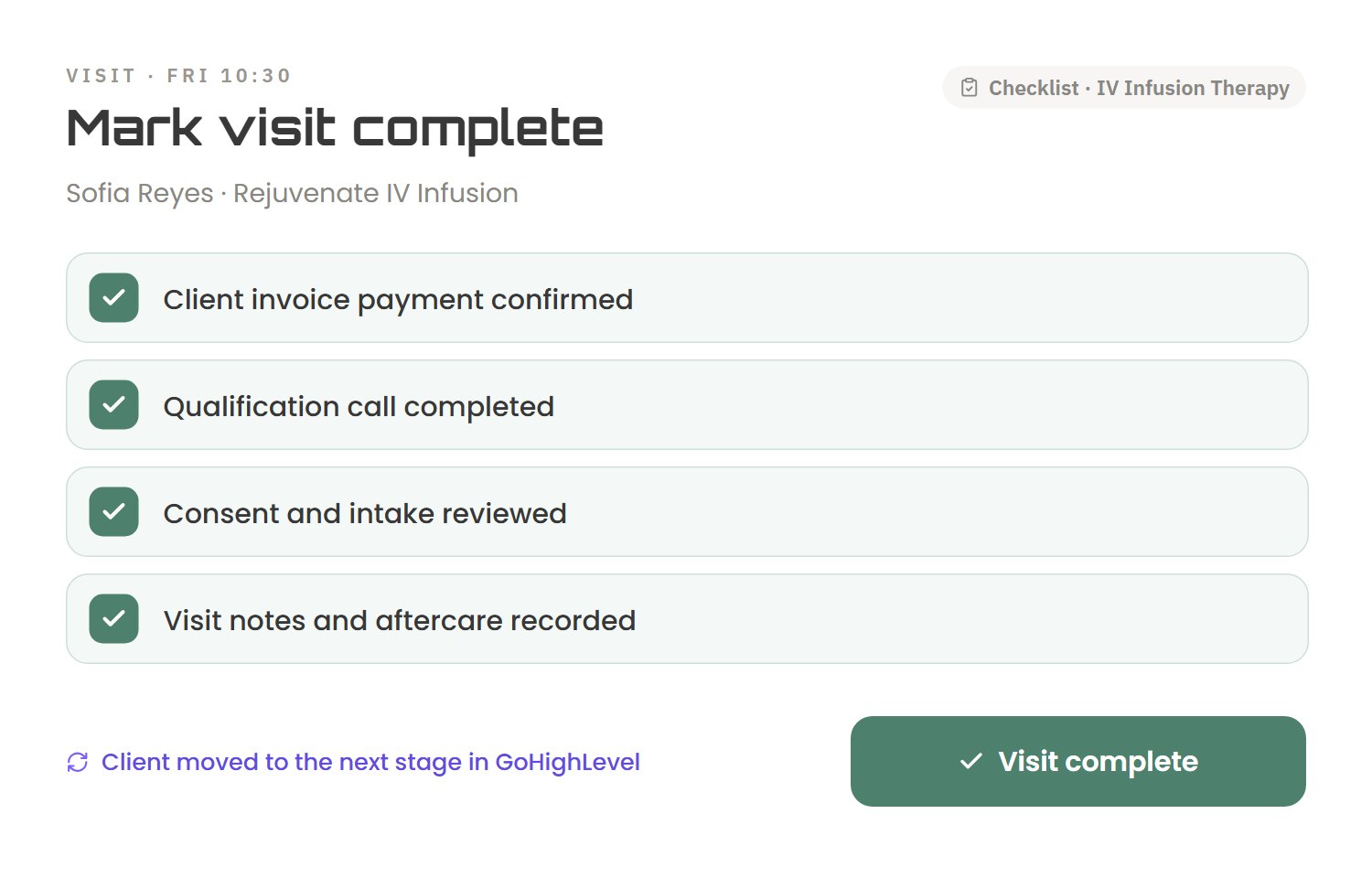
Escalations, deadlines, checklists and approvals that match how your business works, including the edge cases.
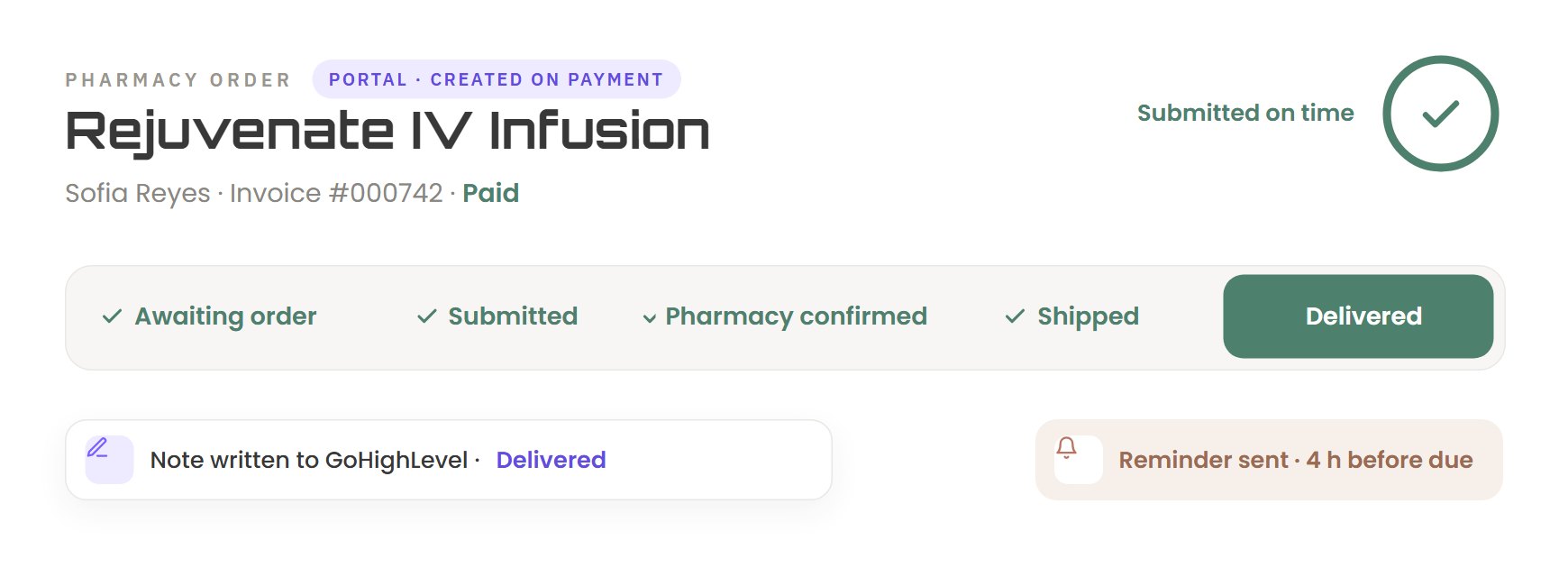
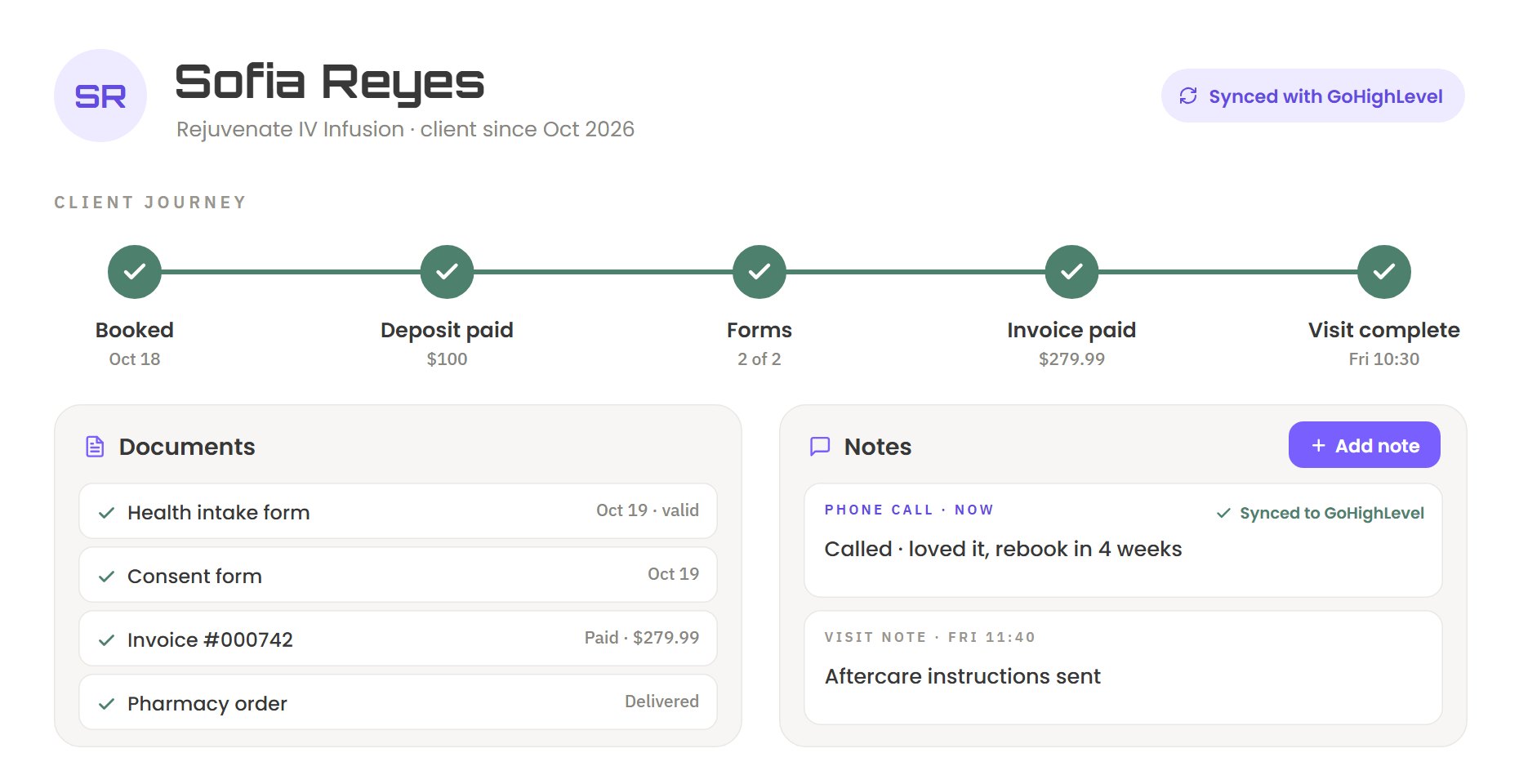
Changes made in the portal save to GoHighLevel, and changes in GoHighLevel show up in the portal.
Everyday jobs, like checking in a client or moving a booking, are one screen and a few clicks.
Your records stay in GoHighLevel. The portal only adds what GoHighLevel can’t do on its own.
Pick a role to see what that person would open each morning.
Example screens with sample data. Your portal is designed around your own roles and work.
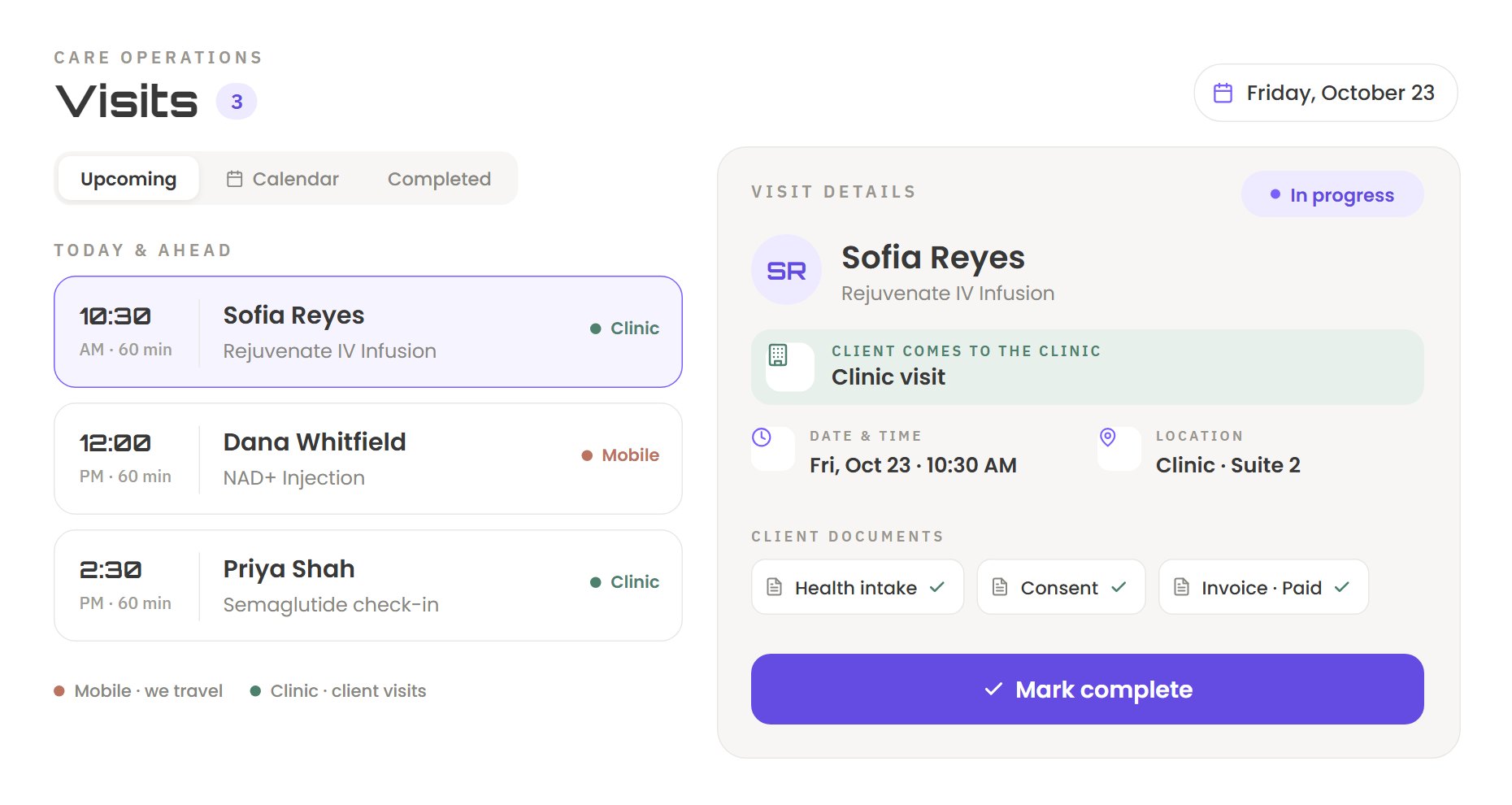
Beyond Remedy runs its clinic and mobile care on a MaxKlicks portal. GoHighLevel holds the clients, bookings and invoices. The portal gives each person their own screen and handles the steps that used to slip.
Screens from the Beyond Remedy portal. Client names shown are examples.
We start with how your business runs, not with software. Six steps, with your team involved at each one.
We sit with your team and map how the business runs today: who does what, in which tool, and where the time goes.
We find the gaps: missed tasks, wasted clicks, and the limits your workflows can’t handle.
We redesign the workflow first, so the portal fixes the process instead of copying it.
We design clean screens for each role, showing only what each person needs.
We brainstorm the design with you, share it with your team, and change it until it fits.
We build it, connect it to GoHighLevel, test it with your team and put it in production.
No. GoHighLevel stays your engine. Your contacts, calendars, payments and workflows stay where they are, and the portal works on top of them.
Yes. The portal and GoHighLevel stay in sync, so a change made in either place shows up in both.
Your records stay in GoHighLevel. The portal keeps only what it needs for the custom features GoHighLevel doesn’t have.
It depends on what your portal needs to do. After the audit, you get a clear scope and timeline before we start building.
Every portal is built around one business, so we quote after we understand how yours runs. Book a call to get a custom quote.
Yes. We build portals as a white-label partner, delivered under your agency’s brand.
Tell us how your team works today. We’ll look at where time goes and show you what a portal could take off their plate.